
Project management for service businesses

Manage the whole project.
From proposal to invoice.

Proposals, project plans, time and invoices—connected in one Windows desktop app.

Windows desktop app · Planned $149 one-time purchase

No subscription · No annual renewal to keep your purchased version

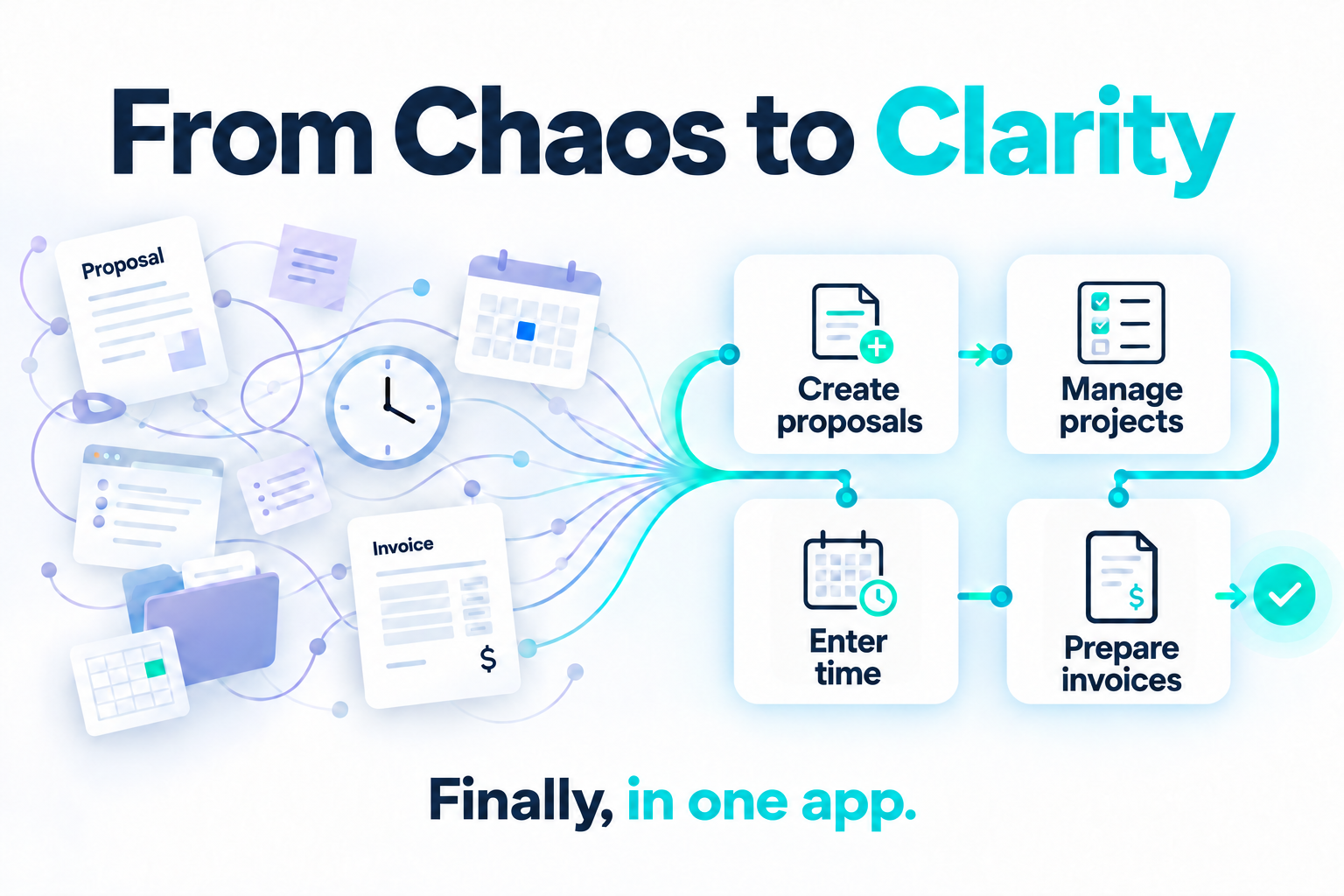
From Chaos to Clarity: scattered proposal, schedule, time and invoice files become a connected workflow in one app.
Workflow illustration

The whole client job. Connected.

  1. 01

    Proposal

    Keep the scope and fee close.

  2. 02

    Project

    Plan tasks and follow progress.

  3. 03

    Time

    Record effort against the work.

  4. 04

    Invoice

    Prepare the bill in the same app.

Explore the workflow

Keeping it organized shouldn’t be another project.

Workflow overviewClients → proposals → projects → time → invoices

Built for client-service professionals.

Find your fit →

A simple purchase. When it’s ready.

Standalone · Individual use

Pay once.
Keep using it.

One Windows app for your client work, with company data stored locally.

Includes security patches and bug-fix updates released in your first 12 months.

$149USD · Planned one-time purchase

No subscription. No annual renewal.

A few practical questions.

Can I purchase MyProjectEase now?

Not yet. We’re finishing the standalone version and preparing delivery. Notify me at launch → is for the standalone release; future team updates have a separate signup.

Is there a subscription or annual renewal?

No. The planned standalone offer is $149 USD once. Keep using your purchased version without an annual renewal. Security patches and bug-fix updates released in your first 12 months are included; access to updates released after that year is still being finalized. Read the purchase details →

Do I need Microsoft Project?

Not for planning directly in MyProjectEase. Supported .mpp import and refresh require installed Microsoft Project desktop. Imported source-owned fields remain read-only, with no write-back. See the integration requirements →

Where is my company data stored?

Your company workspace is stored locally on your Windows computer. Purchases, customer-portal access and authorized downloads use online services. Read about requirements and backups →

Can my employees share the workspace?

The standalone release is for one person on a Windows computer. Shared team access is in development, with no confirmed availability, migration or upgrade terms. Tell us what your firm needs →